
MiSide Controller Support Guide
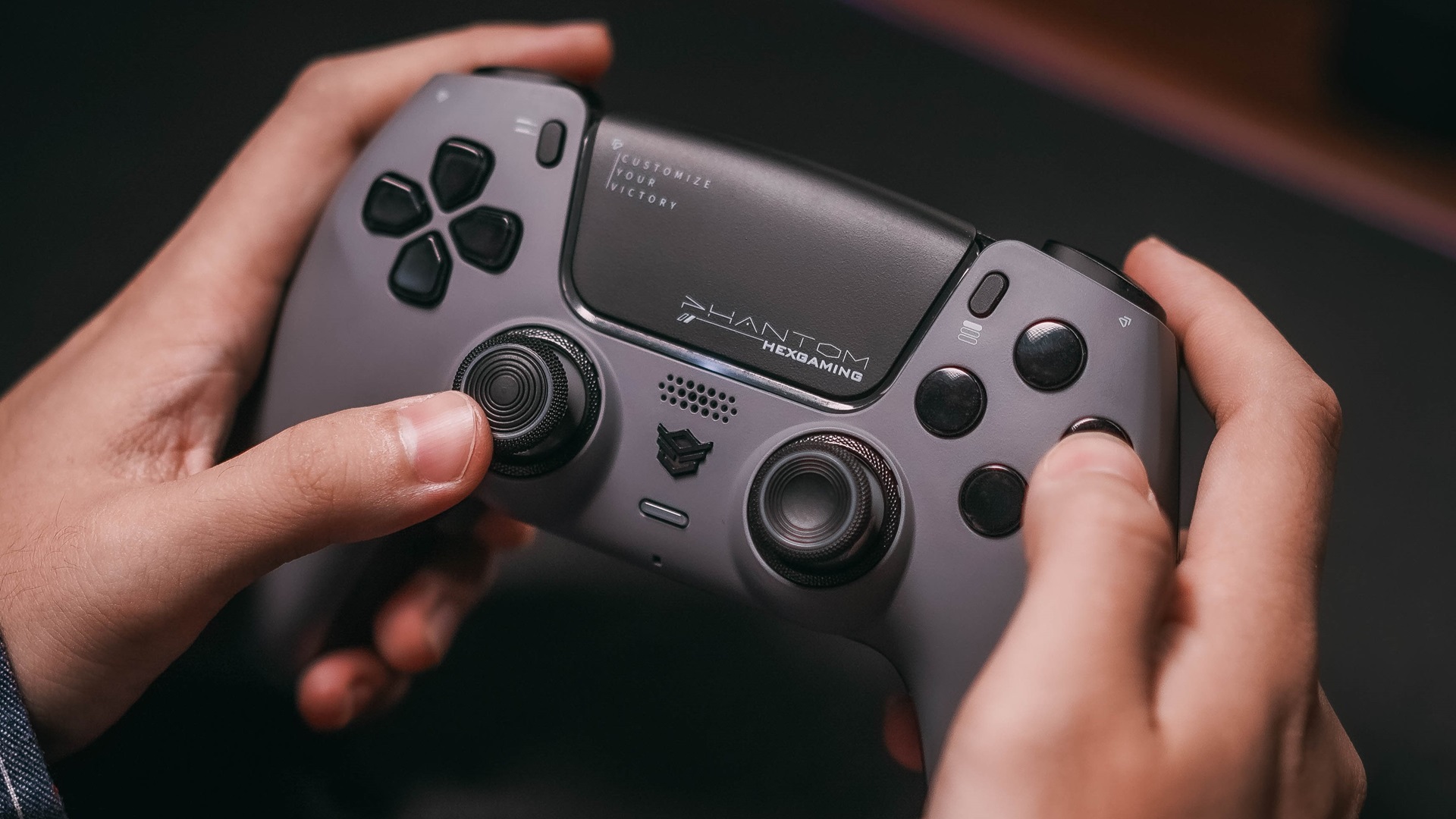
Current Controller Support Status
As of the latest update, MiSide does not have native controller support built into the game. The game was primarily designed for keyboard and mouse input, which is common for visual novel and point-and-click adventure games.
Why No Controller Support?
MiSide's gameplay mechanics are heavily focused on:
- Point-and-click interactions
- Text-based choices and dialogue
- Menu navigation
- Precise cursor control for puzzle elements
These mechanics traditionally work best with mouse and keyboard input, which is why the developers initially focused on this control scheme.
Community Workarounds
Despite the lack of native support, the MiSide community has found several ways to play with controllers:
Steam Input Configuration
Steam's built-in controller configuration system allows you to map controller inputs to keyboard and mouse actions:
- Launch Steam in Big Picture Mode
- Navigate to MiSide in your library
- Select "Manage Game" → "Controller Configuration"
- Create a custom configuration or use community layouts
- Map controller buttons to keyboard keys and mouse movements
Third-Party Software
Several third-party applications can help bridge the gap:
- JoyToKey: Maps controller inputs to keyboard keys
- Xpadder: Similar functionality with more customization options
- reWASD: Advanced controller remapping software
- Controller Companion: Steam-focused controller mapping tool
Recommended Controller Layout
If you're using Steam Input or third-party software, here's a recommended layout:
Button Mapping
- Left Stick: Mouse cursor movement
- A Button (Xbox) / Cross (PlayStation): Left mouse click
- B Button (Xbox) / Circle (PlayStation): Right mouse click / Back
- X Button (Xbox) / Square (PlayStation): Inventory / Menu
- Y Button (Xbox) / Triangle (PlayStation): Skip dialogue
- D-Pad: Navigate menus
- Triggers: Scroll or additional actions
- Start/Options: Pause menu
Sensitivity Settings
For the best experience:
- Set cursor speed to medium-high for comfortable navigation
- Enable cursor acceleration for faster movement
- Adjust dead zones to prevent drift
- Configure button hold times for precise interactions
Limitations of Controller Play
Even with workarounds, playing MiSide with a controller has some limitations:
- Cursor Precision: Some puzzle elements may be harder with analog stick control
- Text Input: Naming or text entry requires switching to keyboard
- Menu Navigation: Some menus are optimized for mouse clicking
- Quick Actions: Rapid clicking sequences may be challenging
Will Official Support Come?
The developers have acknowledged community requests for controller support. While there's no official timeline, factors that could influence future support include:
- Community demand and feedback
- Technical feasibility within the game engine
- Development resources and priorities
- Post-launch update schedule
Tips for Controller Players
If you decide to play MiSide with a controller:
- Test Your Configuration: Spend time in the early game testing your button layout
- Save Frequently: In case you need to adjust settings
- Keep Keyboard Nearby: For text input and backup controls
- Use Community Configs: Check Steam's community controller configurations
- Be Patient: Cursor control takes practice with analog sticks
Alternative Input Methods
Beyond controllers, some players have experimented with:
- Steam Deck: Works well with Steam Input configurations
- Touch Controls: For devices with touchscreen support
- Accessibility Controllers: Xbox Adaptive Controller and similar devices
- Hybrid Approach: Controller for movement, mouse for precision
Community Feedback
The MiSide community has been vocal about controller support:
"While the game works great with keyboard and mouse, having native controller support would make it perfect for couch gaming sessions."
— Steam Community Member
Many players have shared their custom controller configurations on Steam's community hub, making it easier for new players to get started with gamepad controls.
Conclusion
While MiSide doesn't currently have native controller support, the combination of Steam Input and third-party software provides viable alternatives for players who prefer gamepad controls. The experience may not be as seamless as native support, but with proper configuration, it's entirely playable.
Keep an eye on the game's update notes and community announcements for any news about official controller support in future updates.